Trusted MSISDN
Trusted Mobile Station Integrated Services Digital Network (MSISDN)(opens in new tab) is a list of MSISDNs that Signals unconditionally trusts as safe. Signals does not block messages sent to those destinations.
You can manage a trusted MSISDN list through the Signals API or the web interface.
If you use CPaaS X applications and entities, manage trusted numbers for each application and entity through the Signals API. See Signals for CPaaS X.
Add trusted numbers [#add-trusted-numbers]
To add trusted numbers:
-
Log in to your account and go to Signals > Trusted numbers.
-
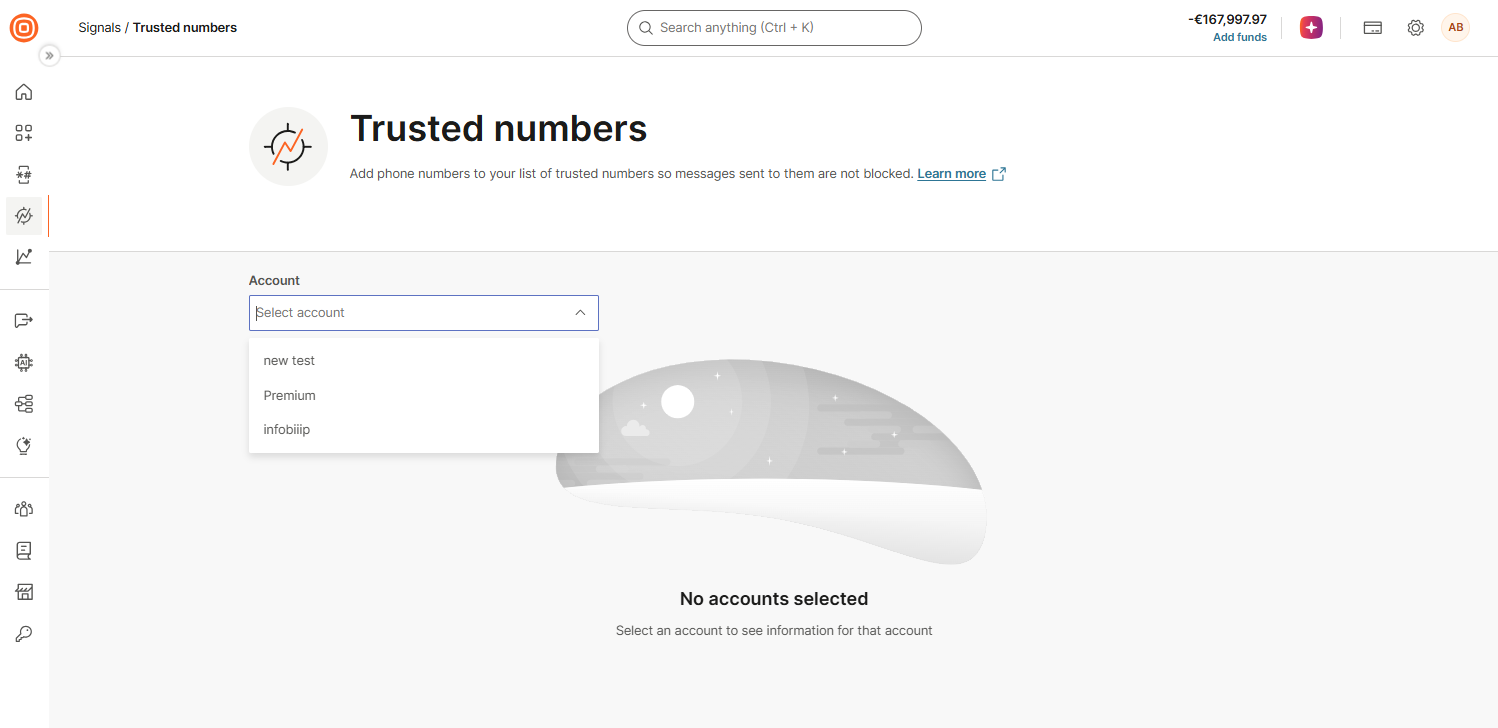
If you use a main account and Signals is enabled on any of your subaccounts, select the account whose trusted numbers you want to manage from the Account list. You can select one account at a time. If you do not see the Account list, the trusted numbers belong to your account, so skip this step.
-
Add the numbers in one of the following ways:
-
Import a file: Select Import File. Drag and drop a
.csvor.txtfile, or select Browse to upload it. The file can contain up to 1,000,000 phone numbers in MSISDN or international format.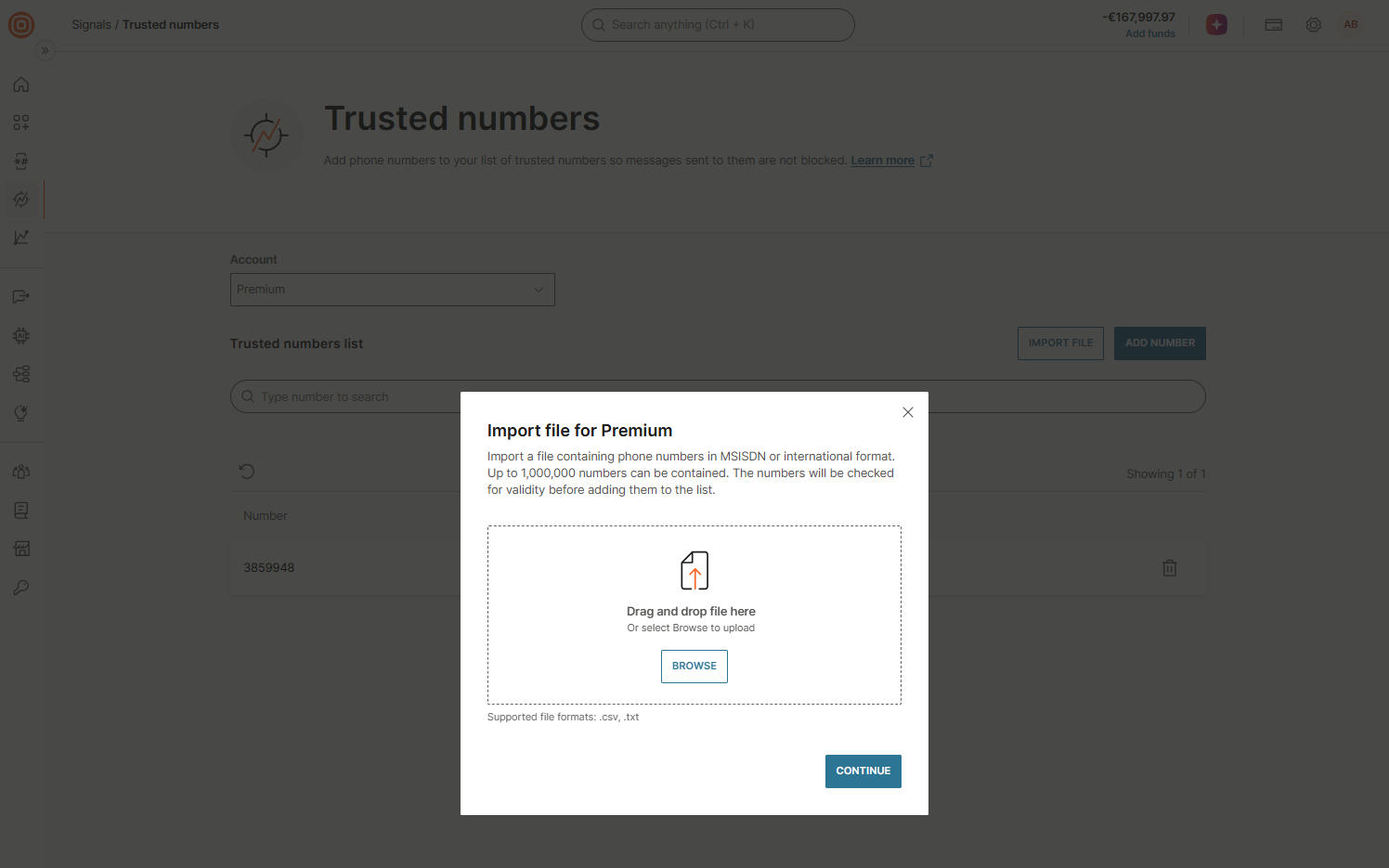
-
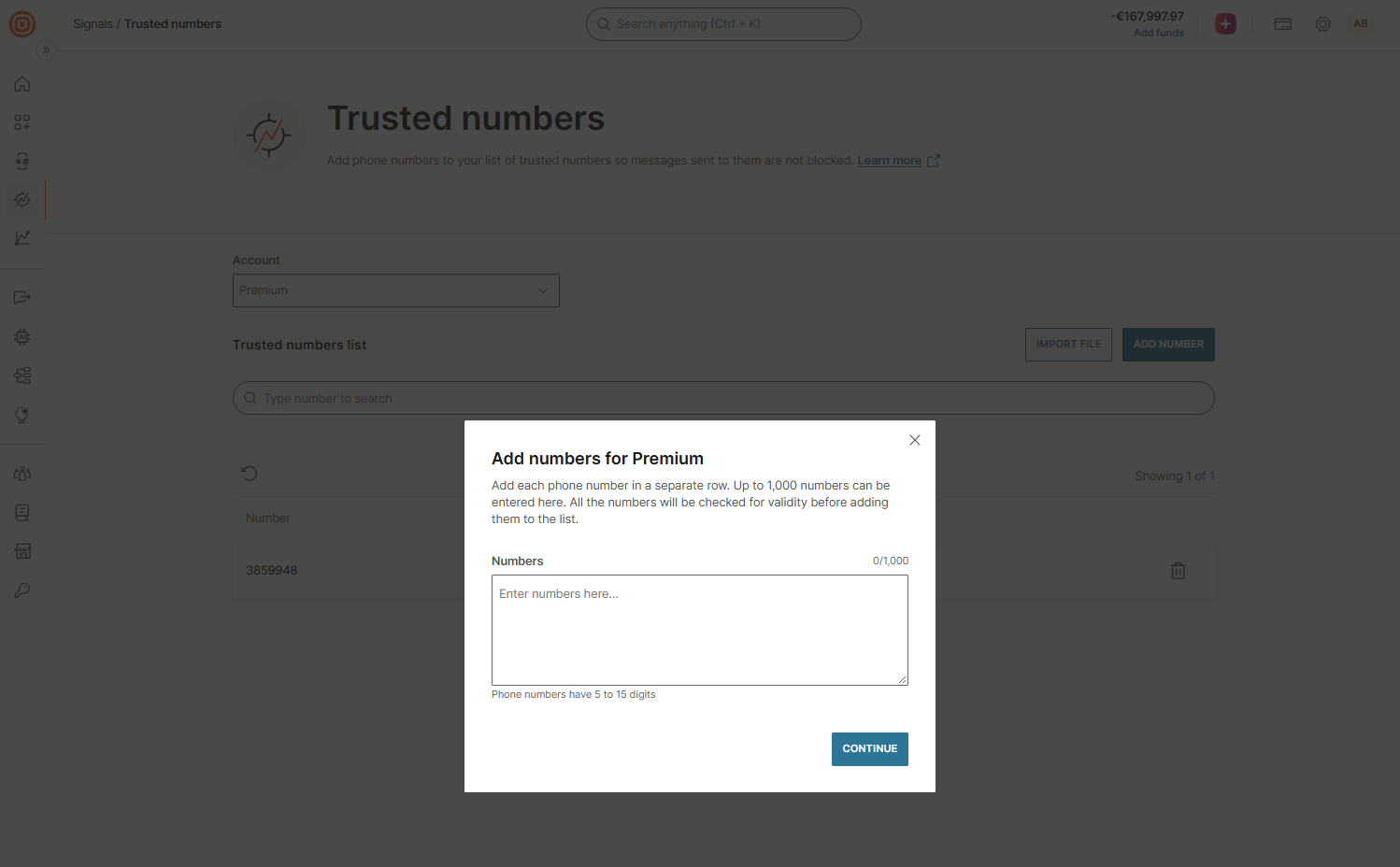
Enter numbers manually: Select Add number. Enter up to 1,000 phone numbers, each in a separate row. Each phone number must have 5 to 15 digits.
-
-
Select Continue. Signals validates the numbers before it adds them to the trusted list.
Find and delete trusted numbers [#find-and-delete-trusted-numbers]
To delete a trusted number:
- Go to Signals > Trusted numbers.
- If you see the Account list, select the account.
- Use the Search bar to find the number.
- Select the trash bin icon next to the number.
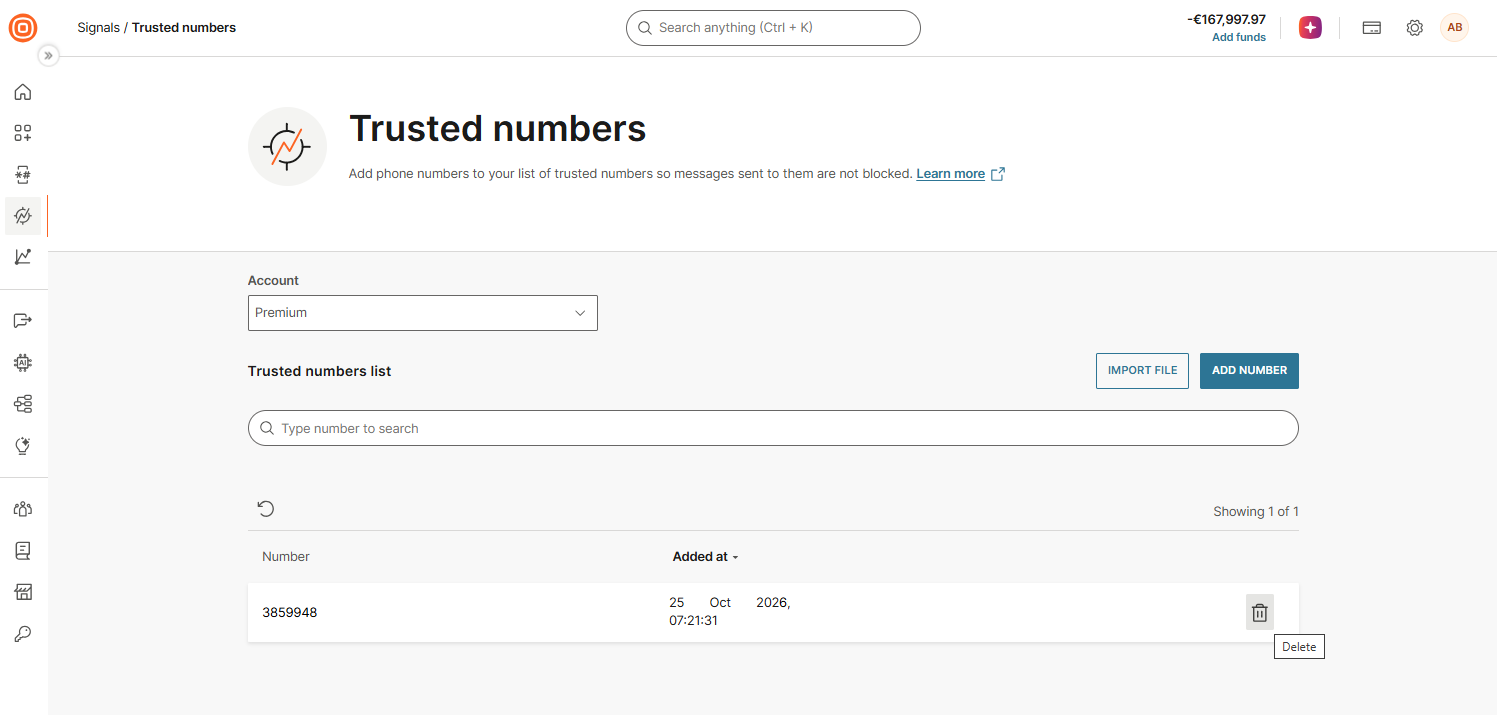
If Signals is deactivated for an account, you can still view and delete its trusted numbers for one year, but you cannot add new ones.
False positives prevention
Learn how to unblock regular users affected by Signals.
Signals for CPaaS X
Protect each CPaaS X application and entity separately.
Analytics
Track blocked traffic and estimated savings.
Was this page helpful?