Enable URL shortening in Broadcast
To enable URL shortening in Broadcast:
- Create a new broadcast and populate all of the standard fields (To, From, Content), including your URLs.
- When you are satisfied with the message content, expand the Tracking and URL shortening options underneath.
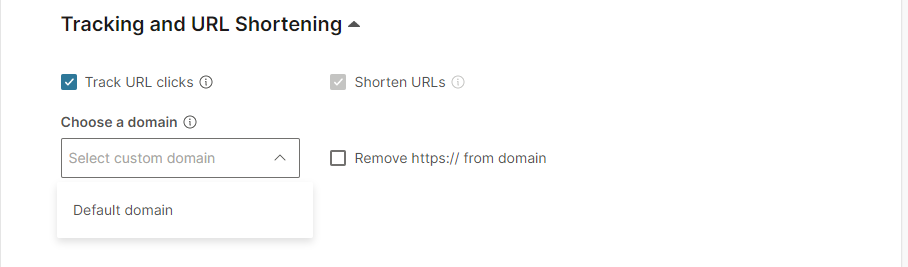
- Use the checkboxes to enable and disable URL shortening and tracking as required.
- If you have registered a custom subdomain, you can select to use either a default domain or your own custom shortened URL.
- When you have finished your selections, select Preview.
- In the preview, you will see that longer URLs in the message body have been replaced with an Infobip generated unique shorter URL.
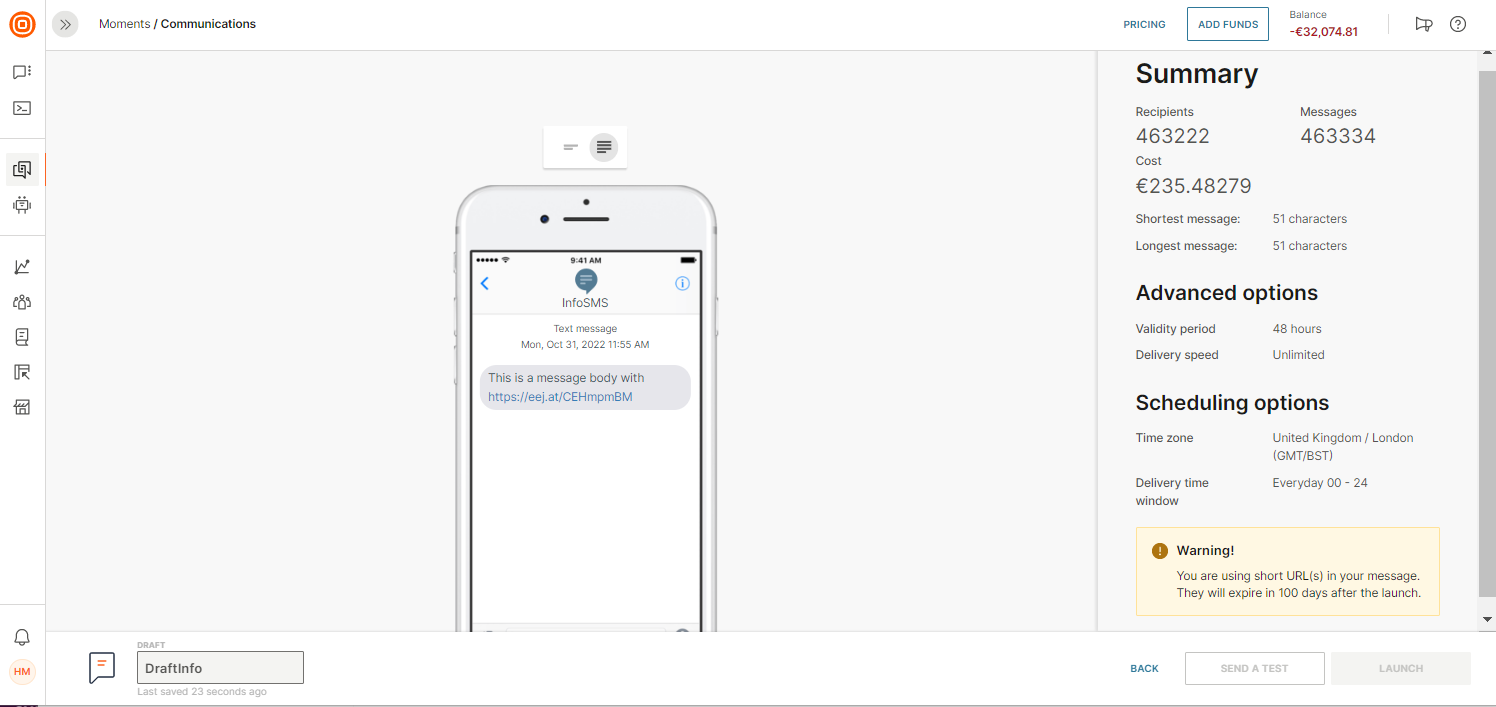
- You can see all of the automatically Infobip generated domain URLs in the logic section.
Was this page helpful?