Enable URL shortening in Flow
To enable URL shortening in Flow:
- Open an existing flow or start a new flow in Moments.
- When you select and add a channel element to the flow, you see the edit panel on the right-hand side.
- From here, go to Show advanced options.
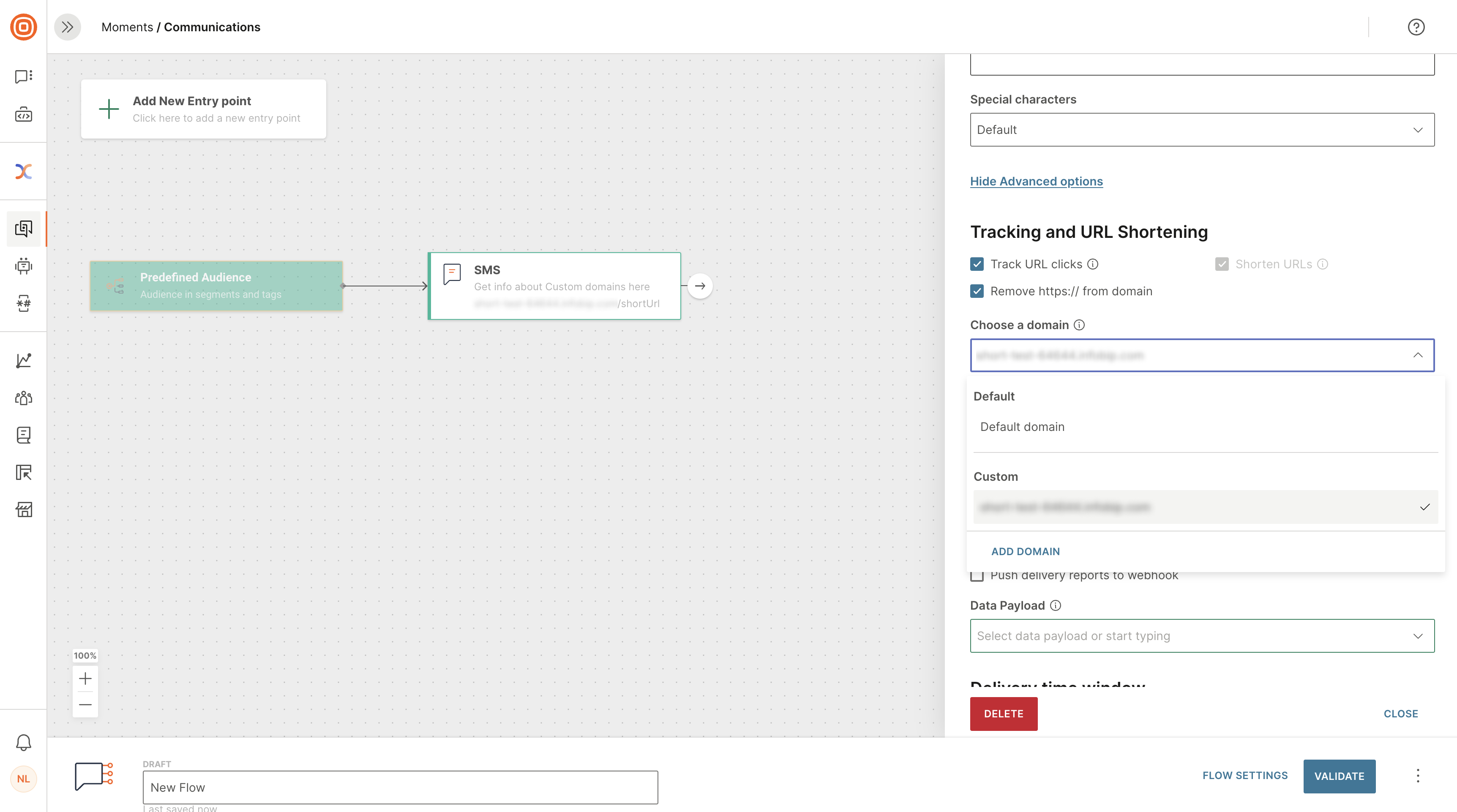
- Use the checkboxes to enable and disable URL shortening and tracking as required.
- Select Validate when you have finished to save the flow.
- Select Launch when you are ready. Longer URLs in delivered message bodies are replaced with an Infobip-generated unique shorter URL.
- You can apply URL shortening as many times as required in one flow.
Was this page helpful?